Your papers stay yours.
Your papers are read only to pull out the dates and to-dos. They're never used to train AI models, and you can delete everything (account, scans, and data) anytime.
The specifics: everything is encrypted in transit and at rest, our analytics never see document contents or kids' names, and Settings > Delete Account removes every scan, date, and record immediately.
Read the privacy policy
Questions parents ask.
The stuff worth knowing before the first scan.
Does it sync school dates to my calendar?
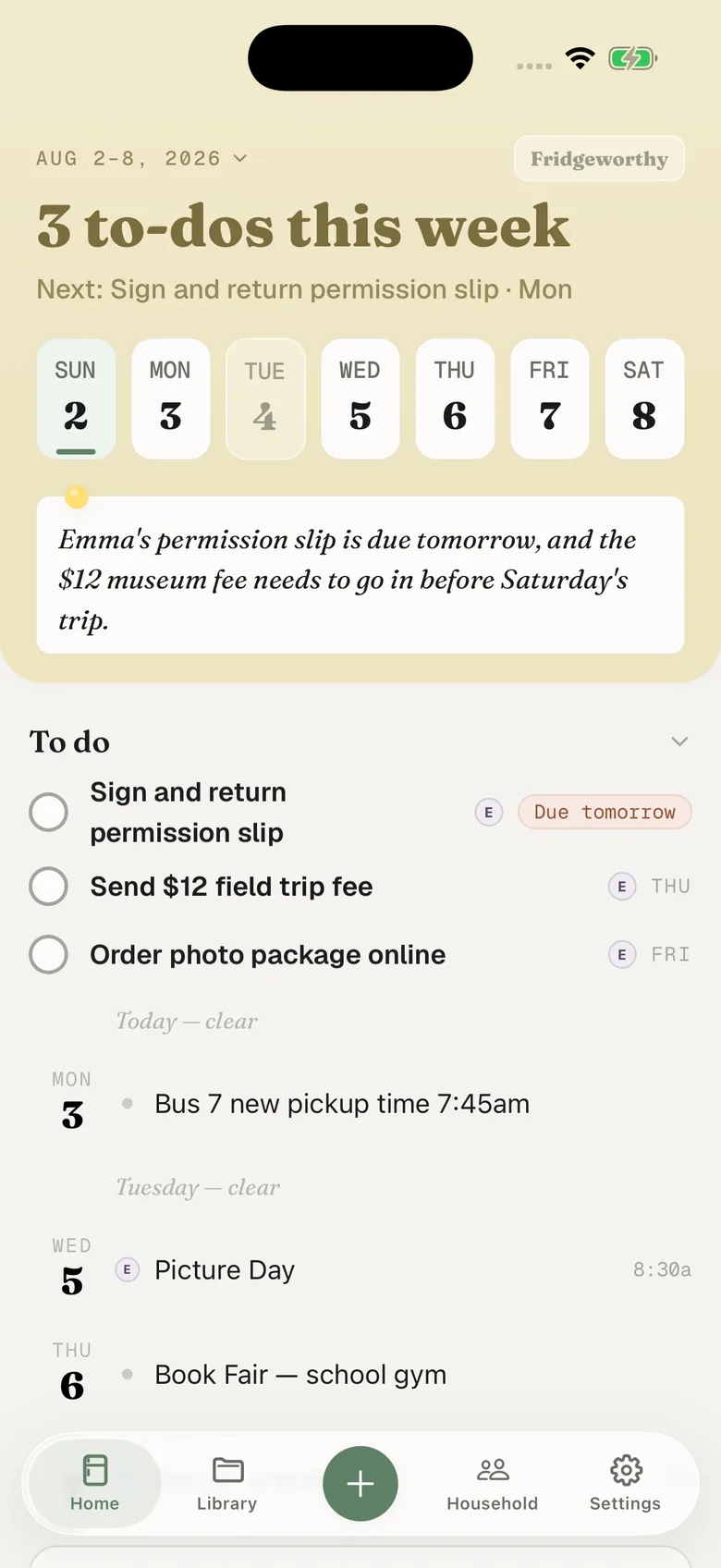
Yes. Turn on calendar sync and choose any calendar on your iPhone, and every date Fridgeworthy finds shows up there automatically. That includes a Google Calendar, if you've added that account to your iPhone's calendar settings. It's one-way, from Fridgeworthy into your calendar, so field trips and picture day sit next to everything else you track.
Can both parents see the same school papers?
Invite your co-parent to your household and you'll both see the same scans, dates, and to-dos on your own phones. No more forwarding photos of the same permission slip.
What kinds of papers can it read?
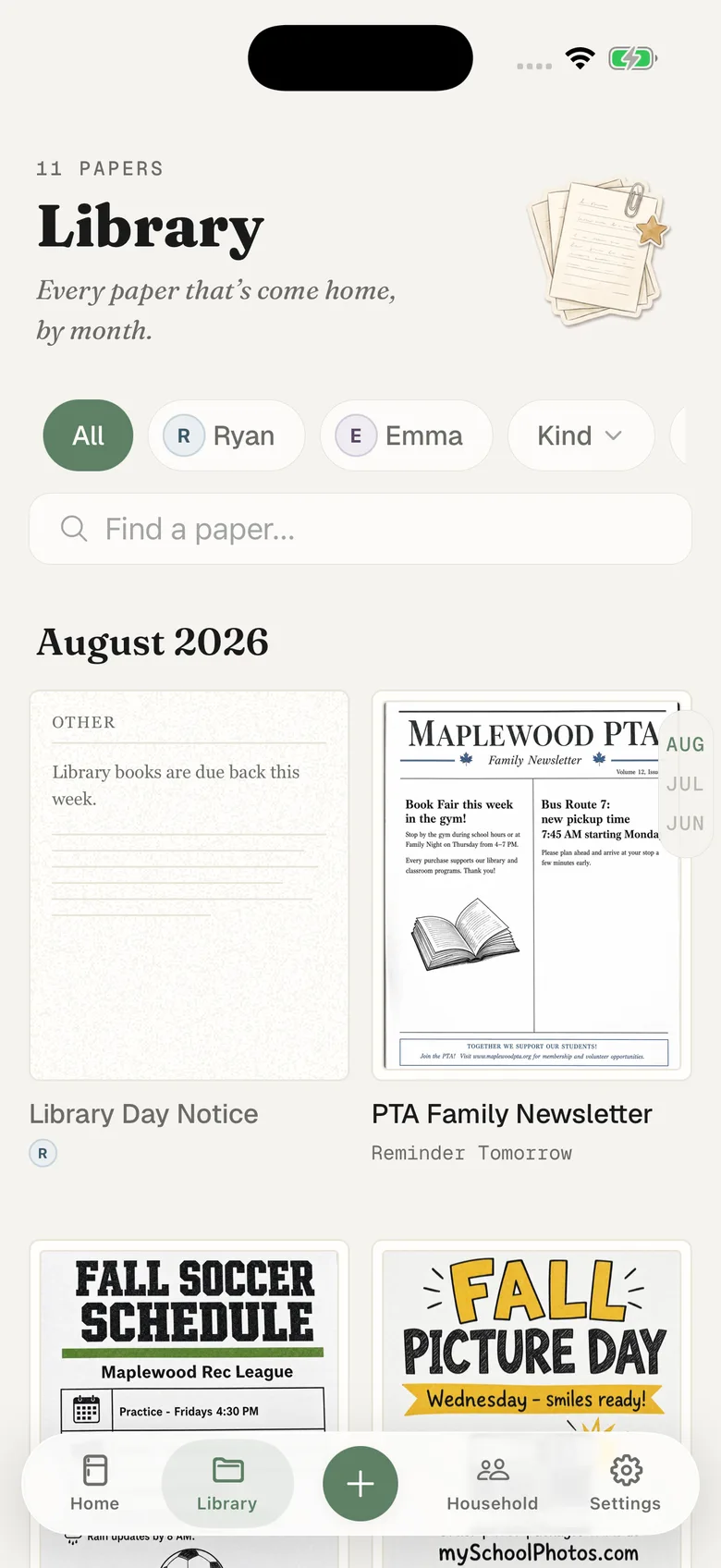
The stuff that piles up in the backpack: permission slips, event flyers, class schedules, lunch menus, sign-up sheets, and newsletters. Snap the whole stack and Fridgeworthy sorts out the dates and to-dos.
Do I need a scanner or special equipment?
No, just your iPhone camera. Point it at the whole messy stack and snap each page. There's no flatbed scanner, no app-switching, and no sorting the pile first.
What about school emails and app notices?
Paper isn't the only pile. When a notice shows up by email or in a school app, screenshot it and share it straight to Fridgeworthy from the share sheet — it's read like any other paper. Your household also has its own forwarding address (on the Household tab): forward a school email there and it's read too, PDF attachments included.
Does it work with ClassDojo, ParentSquare or TeamSnap?
Yes, though not by connecting an account, because there isn't one to connect. Whatever your school or team posts in, you screenshot the post and Fridgeworthy reads it like any other paper. The guides walk through it app by app, including what each one's own calendar carries and what it leaves behind: ClassDojo, ParentSquare, Remind, PowerSchool, Schoology, SchoolTool, MySchoolBucks, TeamSnap, GameChanger, SportsEngine, Spond, BAND and Kangarootime.
Is my kids' information private?
Yes. Papers are processed only to pull out the dates and to-dos, they're never used to train AI models, and you can delete everything anytime. Read the privacy policy.
How much does it cost?
Free covers 5 scans a month with no subscription. Basic is $4.99/month (or $39.99/year) for 50, and Premium is $7.99/month (or $64.99/year) for 200. Most one- or two-kid households fit in Basic; three or more kids usually want Premium. Not sure? Start free and let a week's backpack decide. One subscription covers your whole household: a co-parent you invite is included at no extra cost.
Is it only for iPhone?
For now, yes. Fridgeworthy is built for iPhone first, with more platforms on the roadmap.
More questions? Visit support or email support@fridgeworthy.ai.